Cookie Audit Plugins: Chrome, WordPress & CMP Extensions Compared
Cookie audit plugins are the fastest way to check if a website respects GDPR before dropping trackers. Whether you run a WordPress blog, a Next.js storefront or a corporate site behind a Consent Management Platform (CMP), the right plugin can expose hidden cookies, rogue localStorage writes and third-party scripts that load before consent.
In this guide we compare Chrome extensions, WordPress plugins and CMP audit tools, show concrete violation examples, and explain how to choose the best option for your workflow.
Why cookie audit plugins matter
Manual cookie checks are slow and error-prone. A proper audit plugin automates three critical tasks: detecting cookies and storage writes, mapping them to third-party vendors, and proving whether they were set before the user gave consent. Regulators in Germany, France and Italy now routinely ask for this timeline evidence during investigations.
- Spot marketing pixels that fire while the banner is still visible.
- Catch analytics cookies written before the user clicks “Accept”.
- Detect sessionStorage and localStorage writes that privacy policies forgot to mention.
- Document violations with timestamps for legal or client reporting.
Chrome extensions: fast, site-agnostic audits
Browser extensions monitor every request and storage event in real time. They work on any CMS, any CMP and any framework. Open the popup, refresh the page, and you immediately see what landed before consent.
Example: Facebook Pixel before consent
A marketing site loads Meta Pixel inside Google Tag Manager. The CMP banner appears, but the container fires the pixel on page load. A Chrome audit extension flags `_fbp` and `fr` cookies with a “before consent” label, giving the DPO exact proof of the violation.
WordPress plugins: convenient but CMS-only
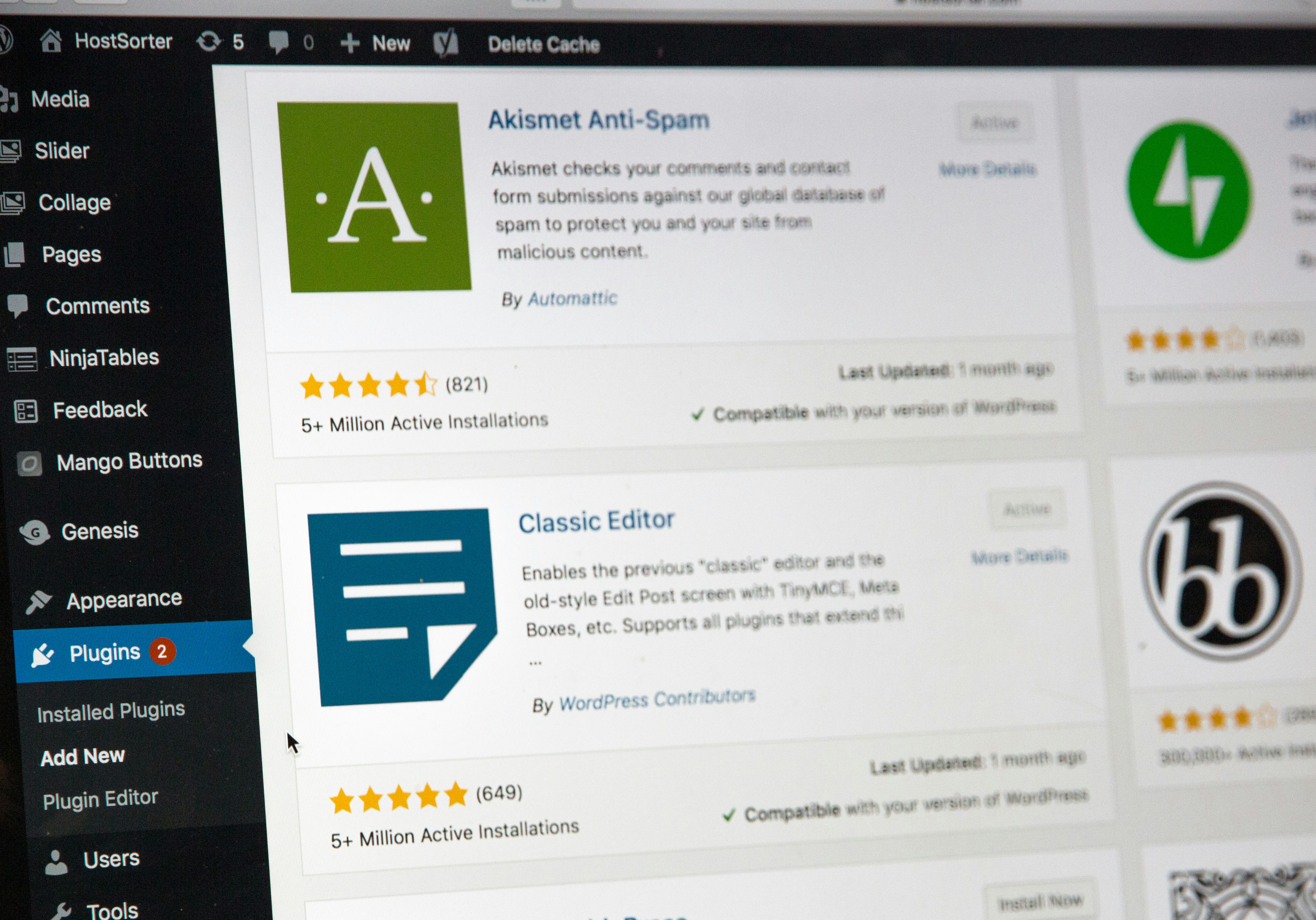
WordPress cookie audit plugins scan your own site from the admin dashboard. They are convenient for site owners who do not want to leave wp-admin, but they only work on WordPress and usually lack deep browser-level telemetry.
- Scan pages from the WP admin panel.
- Generate cookie banners and policy drafts.
- Limited insight into third-party script timing.
- Cannot audit competitor or client sites easily.
CMP extensions: deep inside Cookiebot, OneTrust and friends
Some audit tools focus on specific CMPs such as Cookiebot, OneTrust, Usercentrics or Complianz. They decode the consent string, check IAB TCF signals and compare declared purposes against real cookie behavior. These are powerful for CMP-specific debugging but rarely cover custom banners or in-house consent logic.
Comparison: Chrome, WordPress and CMP audit plugins
| Feature | Chrome extension | WordPress plugin | CMP extension |
|---|---|---|---|
| Works on any website | Yes | WordPress only | CMP-specific |
| Real-time cookie detection | Yes | Often simulated | Yes |
| localStorage / sessionStorage tracking | Yes | Rare | Sometimes |
| Third-party script mapping | Yes | Limited | Yes |
| Before/after consent timeline | Yes | Rare | Yes |
| PDF report export | Yes (Pro) | Sometimes | Rare |
| Best for | Agencies, auditors, devs | Site owners | CMP admins |
Concrete examples of violations plugins catch
- A Cookiebot banner loads but Google Analytics 4 sets `_ga` before the user clicks “Allow all”.
- OneTrust displays categories as “disabled by default”, yet YouTube embed cookies appear in storage before any interaction.
- A WooCommerce store writes `wp_woocommerce_session_` to localStorage while the consent banner is still animating in.
- A CMP returns TCF consent string “0” while Meta Pixel still sends a `PageView` event.
How to choose the right plugin
Pick a Chrome extension if you audit many sites, work with clients or need evidence-grade timestamps. Choose a WordPress plugin if you only manage your own site and want an all-in-one consent banner solution. Use a CMP extension if your stack is built around a specific platform and you need to validate TCF signals.
FAQ
Do I need a plugin if I already have a CMP?
Yes. CMPs declare consent categories, but they do not always prove that downstream tags respect those categories. An independent audit plugin verifies actual behavior rather than configuration.
Can a plugin replace a legal cookie audit?
A plugin accelerates the technical part, but you should still pair it with a documented legal review of purposes, retention periods and Data Processing Agreements.
Are Chrome cookie audit extensions safe?
Reputable extensions only read data locally and do not exfiltrate browsing history. Check permissions carefully: a cookie audit tool needs access to cookies and web requests, not your passwords.
What is the fastest way to audit a single page?
Open the page in an incognito window, launch the audit extension, refresh, then interact with the consent banner and refresh again. Compare the before and after lists.
Audit smarter with ConsentScope
ConsentScope is a Chrome extension built for exactly this workflow. It monitors cookies, localStorage, sessionStorage and third-party scripts in real time, classifies them by purpose, and flags anything that appears before consent. Pro users can export timestamped PDF reports for compliance documentation or client handoffs.
Start auditing cookies before consent
Install ConsentScope from the Chrome Web Store and run your first site audit in under 60 seconds. Upgrade to Pro for unlimited PDF reports and deep CMP analysis.
Get ConsentScopeConsentScope Team
Verified authorPrivacy Engineers & Chrome Extension Developers
We build tools that help developers, agencies and privacy advocates detect GDPR cookie violations automatically. Our team analyzes consent banners, cookie behavior and third-party scripts across thousands of websites every month.
Related articles
Cookiebot Not Blocking Cookies? Here's How to Debug and Fix It
Cookiebot still firing cookies before consent? Learn the most common causes, step-by-step debugging and fixes that actually work.
How to Audit Website Cookies for GDPR Compliance (Step-by-Step)
Step-by-step guide to auditing website cookies for GDPR compliance. Built for developers, agencies and privacy professionals who need a repeatable process.
Cookie Consent in WordPress and Next.js: Implementation Guide for Developers
Learn how to implement GDPR-compliant cookie consent in WordPress and Next.js. Get real code examples, compare challenges, and verify your setup with ConsentScope.