How to run a Cookiebot GDPR Audit & Verify Compliance
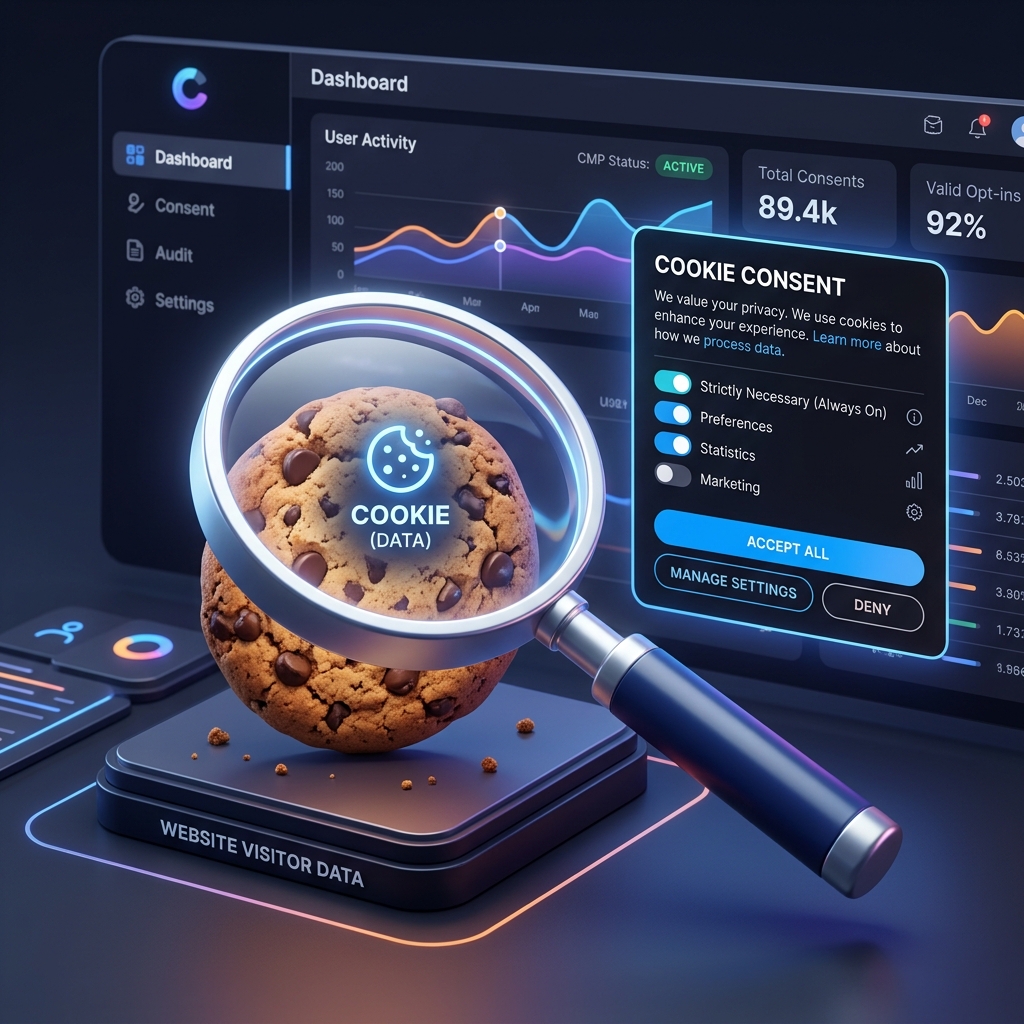
Using Cookiebot is a great first step towards GDPR compliance. However, simply displaying a banner is not enough. You need to ensure that cookies and third-party scripts are actually blocked before the user gives consent. This is where a Cookiebot GDPR audit comes in.
Why do you need a Cookiebot Audit?
Many websites install Cookiebot but misconfigure their tracking scripts (like Google Analytics, Meta Pixel, or custom scripts). If these scripts load before Cookiebot can intercept them, you are violating GDPR rules. An audit helps you identify these leaks and fix them before you get fined.
| Common Misconfiguration | Impact | Severity |
|---|---|---|
| GTM loading before Cookiebot | All tags fire before consent | Critical |
| Hardcoded Meta Pixel | Marketing cookies dropped instantly | Critical |
| Missing data-cookieconsent attributes | Scripts not held back by Cookiebot | High |
| Inline scripts without classification | Unclassified tracking | High |
How to verify Cookiebot compliance
- Use an incognito window to ensure no previous cookies are saved.
- Open Developer Tools and go to the Application tab -> Cookies.
- Load your website but DO NOT click anything on the Cookiebot banner.
- Check the cookies list. If you see analytics or marketing cookies, your setup is leaking.
Doing this manually for every page and every script is tedious. That is why using an automated Cookie Audit Tool is highly recommended.
The Ultimate Cookiebot Audit Tool
Instead of manually clicking through DevTools, you can use ConsentScope to instantly detect GDPR violations on any website running Cookiebot. It automatically flags non-essential cookies firing before the consent banner is clicked.

Is Cookiebot Audit actually blocking cookies on your site?
Install ConsentScope and verify in real time whether your Cookiebot Audit implementation is GDPR-compliant.